Views
Overview
Views in Osprey allow you to save your filtered searches from the Issues and Explorer pages, making it easy to return to your most important data sets. Think of Views as bookmarks for your filtered data - once you've applied filters to find exactly what you're looking for, you can save that configuration as a View for quick access later.
Purpose of Views
Views serve several key purposes:
- Quick Access: Return to frequently used filter combinations without re-applying them manually
- Data Monitoring: Set up alerts on Views to get notifications when your data meets specific thresholds
- Team Collaboration: Share Views with your domain team so everyone can access the same filtered data sets
- Workflow Integration: Connect Views to automated workflows that trigger when alert conditions are met
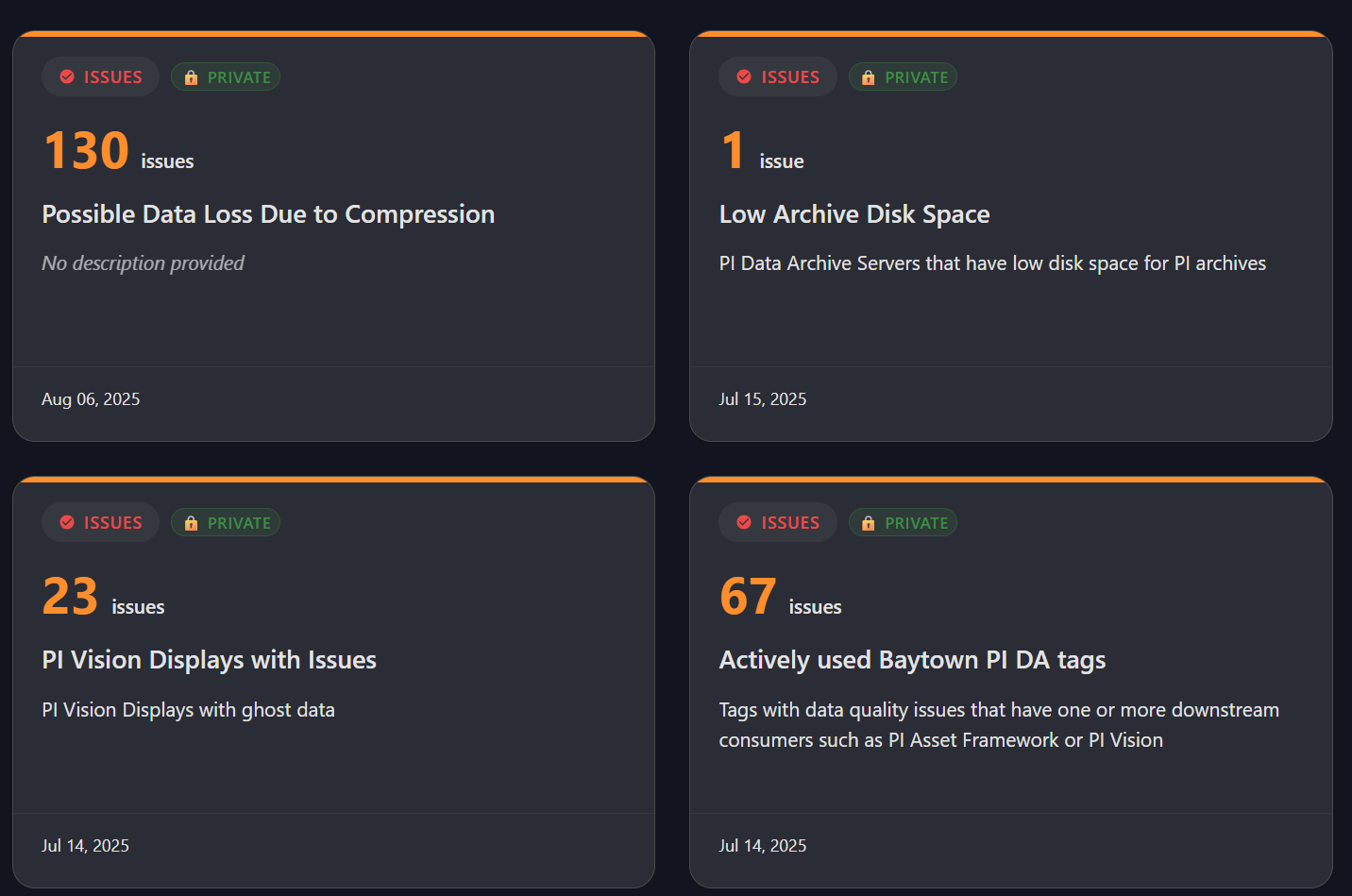
Types of Views
Osprey supports two types of Views:
Issues Views
- Save filtered searches from the Issues page
- Monitor data quality problems and asset health issues
- Track resolution progress over time
Explorer Views
- Save filtered searches from the Explorer page
- Monitor specific asset collections
- Track asset metadata and relationships
Views Topics
This section is organized into the following topics:
- Creating and Managing Views - How to create, edit, delete, and organize views
- Sharing Views - All aspects of sharing views with teams and domains
- View Alerts - Complete guide to setting up and managing alerts on views
- Using Views - How to navigate and work with existing views
- Views Best Practices - Naming conventions, organization tips, troubleshooting, and workflows integration