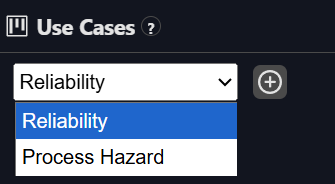
Assigning Use Cases
Tagging assets with business context
Use cases describe how assets are used in real-world operations or business processes. They help you connect data quality with impact.
Examples:
-
Regulatory Reporting
-
Energy Management
-
Downtime Root Cause
-
OEE Calculation
Assigning use cases helps:
-
Track which business processes are at risk from data quality issues
-
Filter dashboards to show only assets critical to a specific workflow
-
Communicate impact in language business users understand
You can define new use cases in the Use Case Management page and assign them to assets either:
-
One by one from the asset page
-
In bulk via API
Osprey propagates use cases in two ways:
-
Descendent assets (such as all tags in a PI Data Archive or all assets under an AF Element in an AF Hierarchy) will inherit the use case
-
Downstream assets (such as all displays that directly or indirectly reference (via an AF Attribute) a tag associated with a use case)